

On this page
Favicon size chart for every browser and device
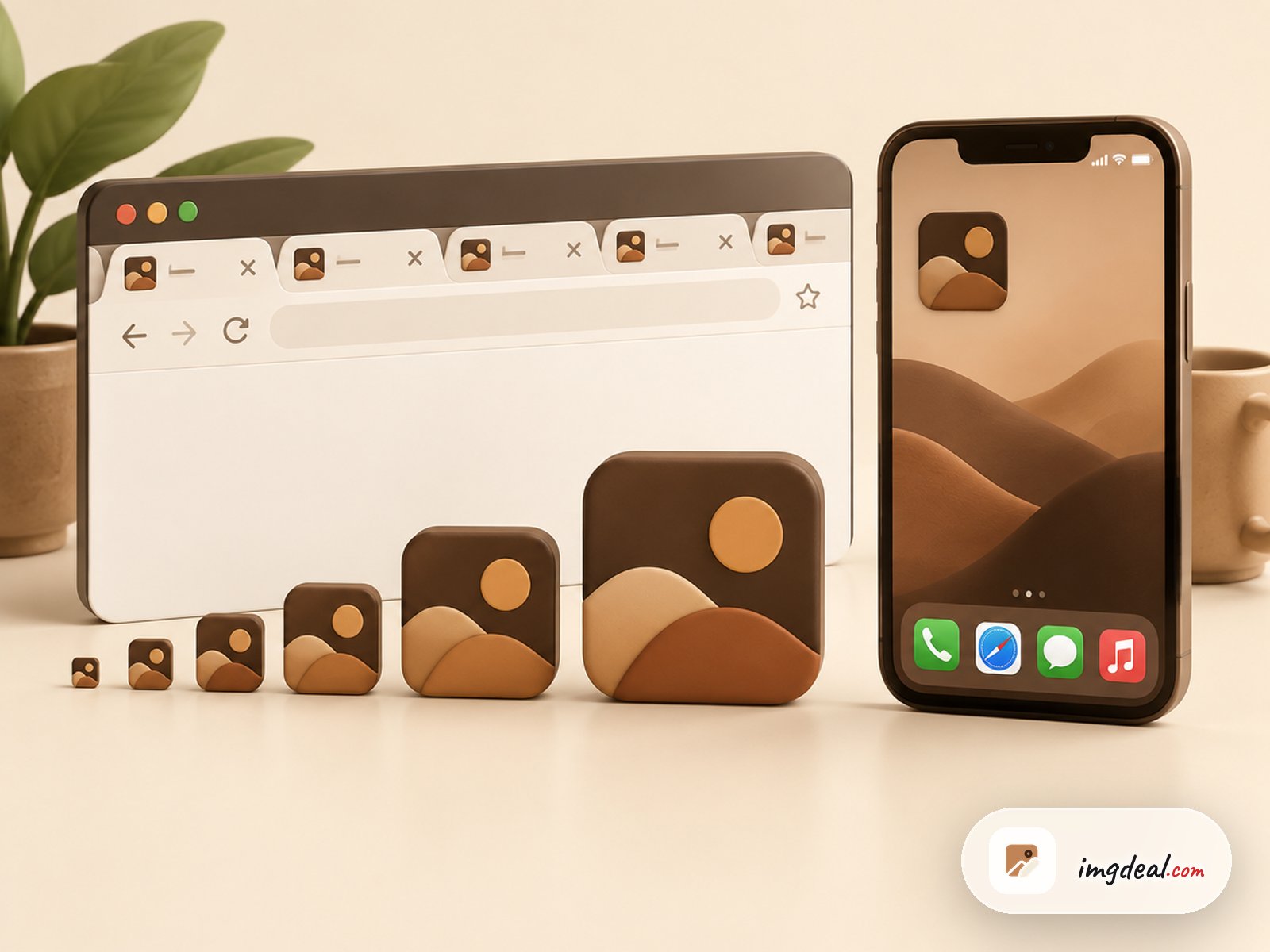
No one favicon size works everywhere. Every place that shows your icon asks for a different pixel size, and if a size is missing, the browser or OS scales whatever it can find. Shrinking a large icon usually looks fine. Stretching a small one looks blurry.
Here are the sizes that matter today:
| Where it appears | Size in pixels | File |
|---|---|---|
| Browser tab, bookmarks, history | 16 x 16 (32 x 32 on high density screens) | favicon.ico or PNG |
| Windows taskbar shortcuts, some desktop browsers | 32 x 32 and 48 x 48 | favicon.ico |
| Google search results | Square, larger than 48 x 48 recommended | Any supported image format |
| iPhone and iPad home screen | 180 x 180 | apple-touch-icon.png |
| Android home screen, installed web app | 192 x 192 | PNG in the web app manifest |
| Install prompt and splash screen | 512 x 512 | PNG in the web app manifest |
Short version: design one square master icon at 512 x 512 px, then export it at 180, 192 and 512 px as PNGs, and pack 16, 32 and 48 px into a single favicon.ico.
What favicon dimensions do browsers request?
Browsers first read the link rel="icon" tags in your page head. If there are none, most of them fall back to requesting /favicon.ico from the root of your domain. So a missing favicon.ico shows up as 404 errors in your server logs even when you never linked one.
Favicon size for browser tabs and bookmarks
A tab shows the icon at 16 x 16 CSS pixels. On a Retina or other high density display, that same spot is 32 x 32 physical pixels, so the browser picks the 32 px image if you provide one. This is why a favicon.ico holding both 16 and 32 px images still looks sharp on most screens.
Favicon dimensions for Google search results
Google shows your favicon next to your site name in search results. According to Google's favicon guidelines, the icon must be square (1:1), at least 8 x 8 px, and preferably larger than 48 x 48 px. It also has to be crawlable, so don't block it in robots.txt.
Apple touch icon size for iPhone and iPad
When someone adds your site to their iOS home screen, Safari looks for an apple-touch-icon. Make it a 180 x 180 PNG. iOS draws its own rounded corners, so use a square image with a solid background. Transparent areas usually end up black or filled in.
Android and web app manifest icon sizes
Chrome on Android and installable web apps read their icons from the icons member of the web app manifest. Provide a 192 x 192 PNG for the home screen and a 512 x 512 PNG for the install dialog and splash screen.
What is an ICO file?
An ICO file is Microsoft's icon format, and the format of the classic favicon.ico. It isn't a single picture. It's a container that holds several images of different sizes, and the program reading it picks the one closest to the size it needs. That's why one favicon.ico can serve a 16 px tab and a 48 px Windows shortcut.
Each image inside an ICO is stored as either a bitmap or a PNG. Older software needs the bitmap version, and modern Windows and browsers accept both. The ICO file format article on Wikipedia documents the header layout in detail.
What ICO size should a favicon.ico be?
The format allows images up to 256 x 256 px, but a favicon.ico doesn't need that. Every extra size adds bytes that every visitor downloads. For a favicon, 16, 32 and 48 px are enough. Large sizes belong in the PNG files from the chart above.
Keep in mind that a small ICO is hard to scale up later. Always keep your large square master file and export the ICO from it.
Can you use an SVG or PNG favicon instead?
Yes. Modern browsers accept PNG favicons through a link rel="icon" tag, and Chrome, Edge, Firefox and Safari 26 or later also accept SVG. An SVG favicon stays sharp at any size and can switch colours for dark mode with a CSS media query inside the file, although Safari still ignores that query. If you're unsure which format fits your logo, our guide on PNG vs SVG explains the difference.
SVG support isn't universal, though: older Safari versions ignore it, and some tools and crawlers still only request /favicon.ico. The safe setup is an SVG or PNG icon for modern browsers, with a favicon.ico at the root as a fallback.
Which favicon HTML tags do you need?
A small set of tags covers browsers, Apple devices and Android. This follows the approach in Evil Martians' widely cited guide to the favicon files most sites need:
<link rel="icon" href="/favicon.ico" sizes="32x32">
<link rel="icon" href="/icon.svg" type="image/svg+xml">
<link rel="apple-touch-icon" href="/apple-touch-icon.png">
<link rel="manifest" href="/manifest.webmanifest">
The manifest then lists the two large PNGs:
{
  "icons": [
    { "src": "/icon-192.png", "type": "image/png", "sizes": "192x192" },
    { "src": "/icon-512.png", "type": "image/png", "sizes": "512x512" }
  ]
}
The sizes="32x32" attribute on the ICO line stops Chrome from choosing the ICO over the SVG. If you skip the SVG, drop that line and keep the rest.
How to make a favicon from your logo
You can do the whole job in the browser with a few of our tools:
- Make it square. Favicons are 1:1. Open your logo in the image cropper and choose the Square 1:1 preset so nothing gets squashed.
- Simplify it. At 16 px, text and thin lines disappear. Use just the logo mark or one bold letter.
- Export the PNG sizes. Use the image resizer to save copies at 512, 192 and 180 px wide. Height follows automatically when you set only the width.
- Create favicon.ico. Convert the square PNG to ICO in the image converter. The ICO it writes contains standard sizes from 16 px up to 256 px, skipping any size larger than your source, so start from a big image.
- Upload and link. Put favicon.ico at your site root, add the tags above, and test in a private window.
Why is my favicon not showing?
Most problems come from one of these:
- Browser cache. Browsers keep favicons for a long time. Check in a private window, or add a version query to the URL, for example
/favicon.ico?v=2. - Wrong path. A relative href breaks on subpages. Use a path that starts with a slash.
- Not square. A wide logo gets letterboxed or rejected. Google ignores favicons that aren't 1:1.
- Blocked or slow to update in Google. Google has to crawl both your home page and the icon file, so a new favicon can take a while to appear in search results.
Renaming a PNG to .ico doesn't make it an ICO file. Some browsers will show it, but Windows and other tools may not. Convert the file properly instead.
Need a favicon.ico from your logo?
Upload a square PNG, choose .ICO as the target format and download one icon file with the small sizes browsers ask for.
Frequently asked questions
No single size covers every case. Use a favicon.ico with 16, 32 and 48 px images for browsers, a 180 px PNG for Apple devices, and 192 and 512 px PNGs in your web app manifest. Make all of them from one square master image at 512 px or larger.
It helps. Tabs and bookmarks on standard screens draw the icon at 16 px, and a version made for that size stays crisper than a 32 px image the browser shrinks. If your icon is simple, a 32 px image alone usually looks fine too.
Yes. Modern browsers accept a PNG through a link rel="icon" tag. Keep a favicon.ico at your site root anyway, because some browsers, crawlers and tools request that path directly, even if your HTML never mentions it.
Each image inside an ICO file can be up to 256 x 256 pixels, and one file can hold several images. For a website favicon, 16, 32 and 48 px are enough. Larger icons for phones and app installs work better as separate PNG files.
The browser is probably scaling an image that's the wrong size, often a small icon stretched for a high density screen. Include a 32 px version, start from a large square source, and simplify the design so thin lines and small text don't turn to mush at tab size.